

Build Your Perfect Keyboard
Understand layouts, switches, and keycaps — then jump straight into customising your build.
Step 1: Keyboard Layouts Explained
Keyboard layouts affect size, comfort, and how you use your desk. Choose based on your workflow and space.
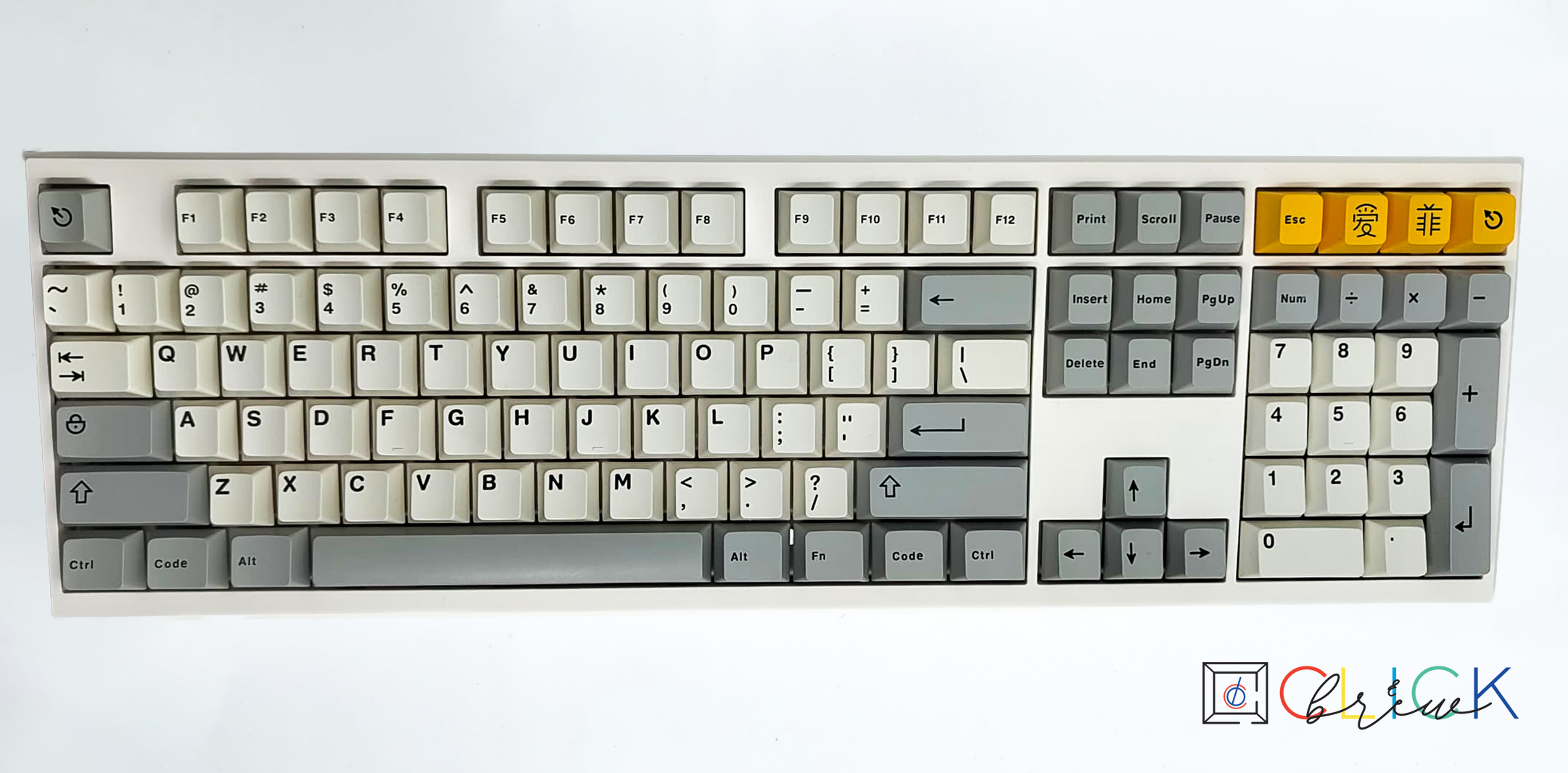
100% Full-Size
The complete keyboard with numpad, function row, and navigation cluster. Perfect for data entry and those who need all keys.
View Full-Size Builds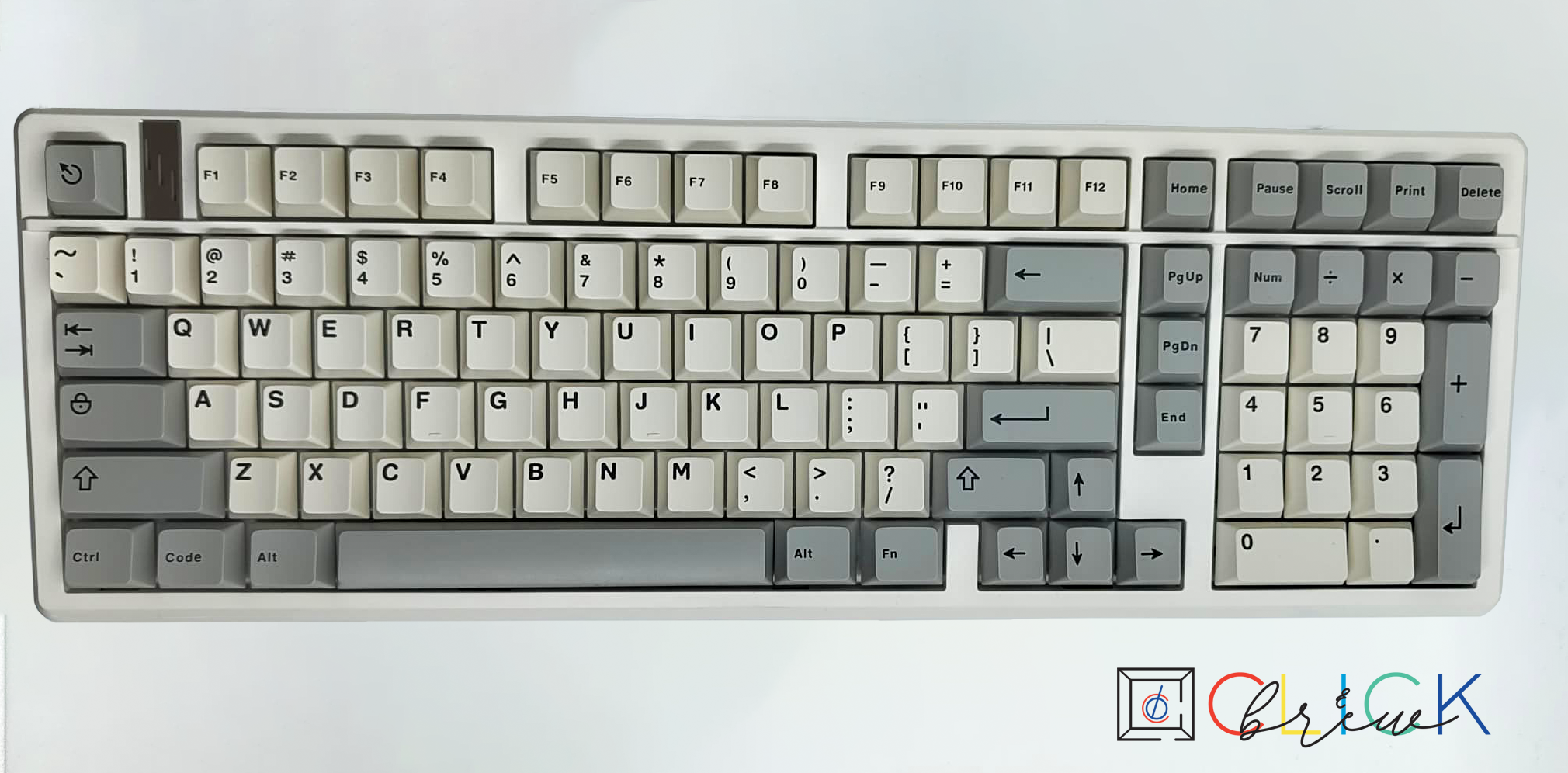
1800 Compact
Includes a numpad but compresses spacing to save desk space. Ideal for productivity without the bulk of full-size boards.
View 1800 Builds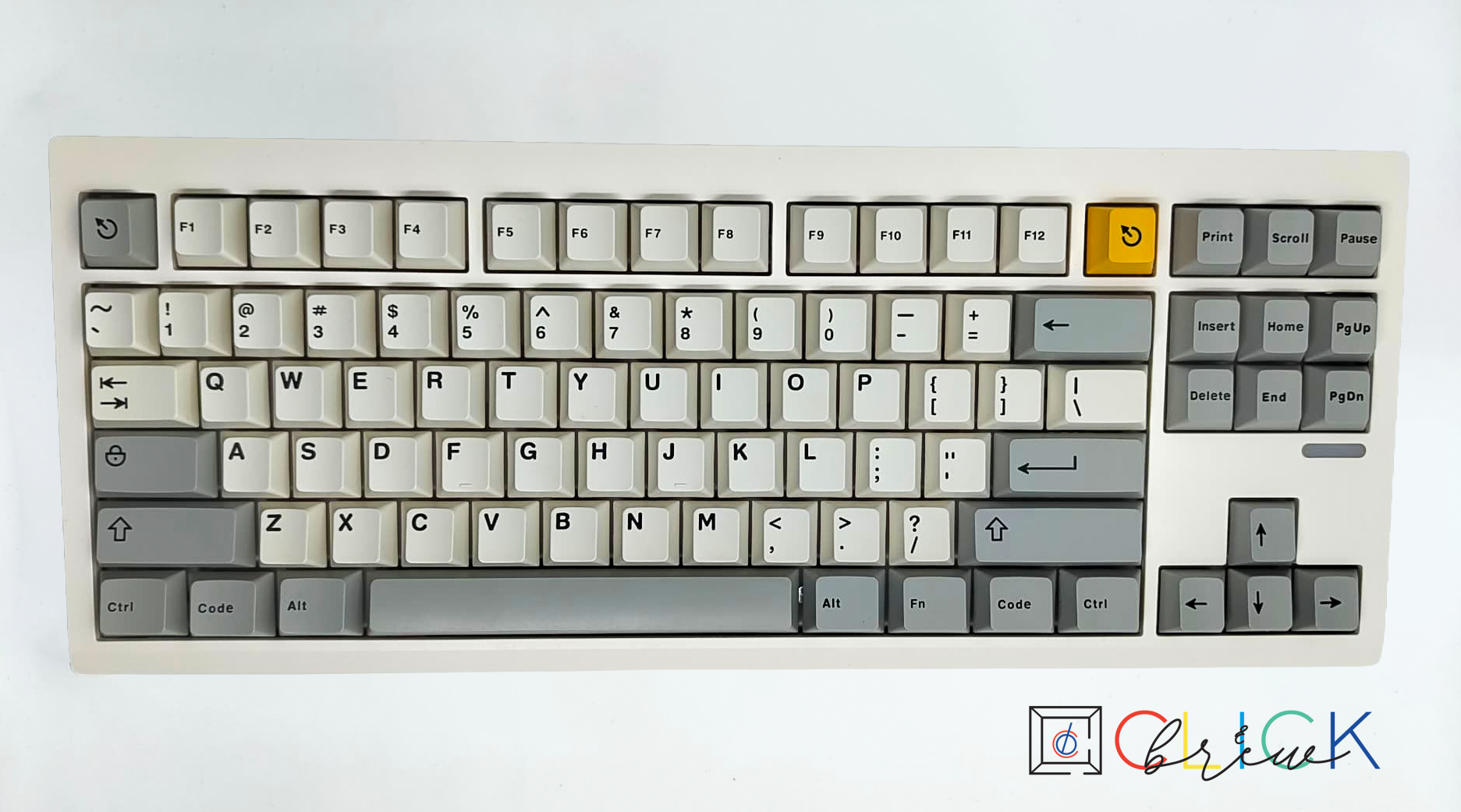
Tenkeyless (TKL)
Removes the numpad for better ergonomics and mouse positioning. Popular among gamers and typists.
View TKL Builds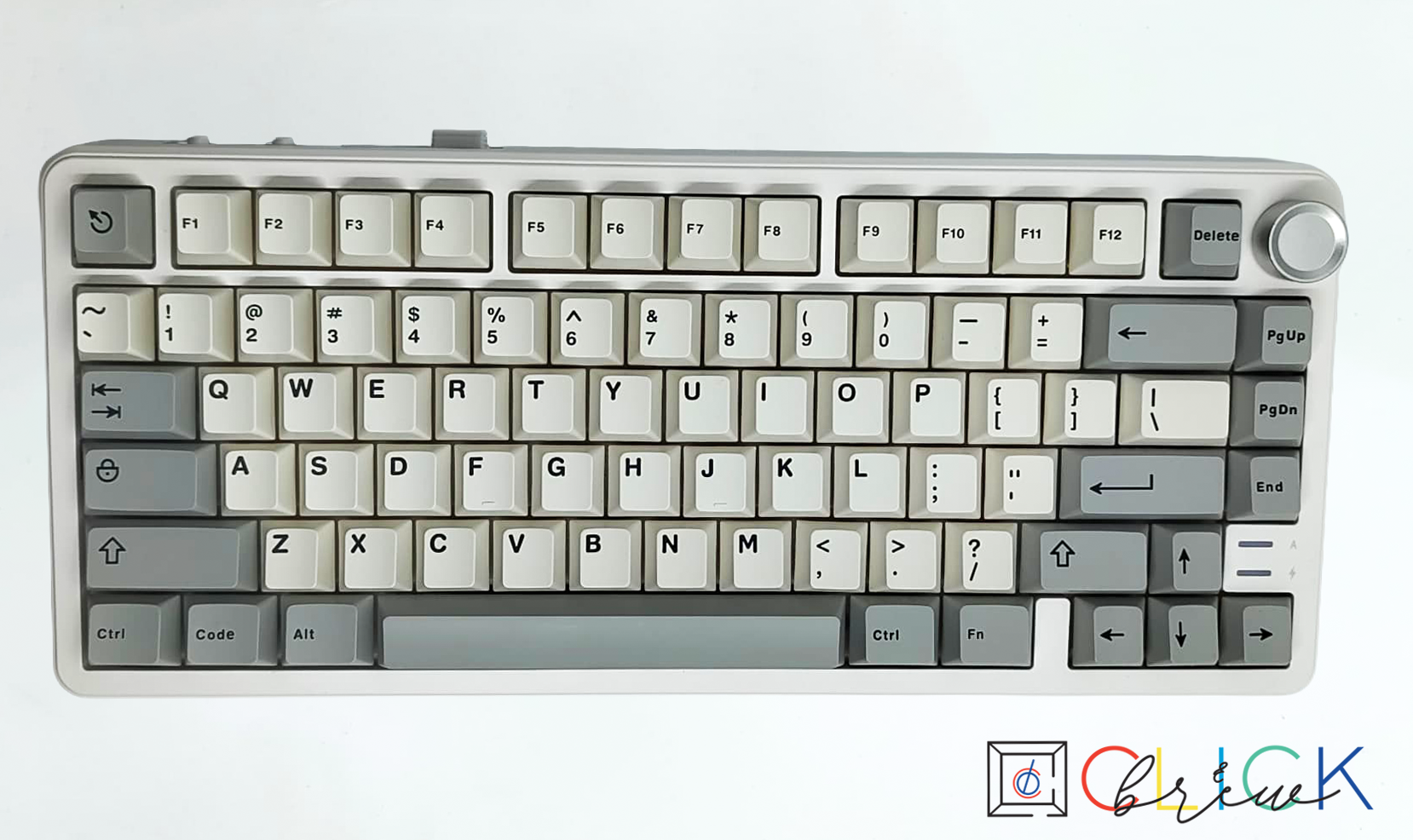
75% Layout
Compact but keeps the function row and arrows. A great balance of size and functionality.
View 75% Builds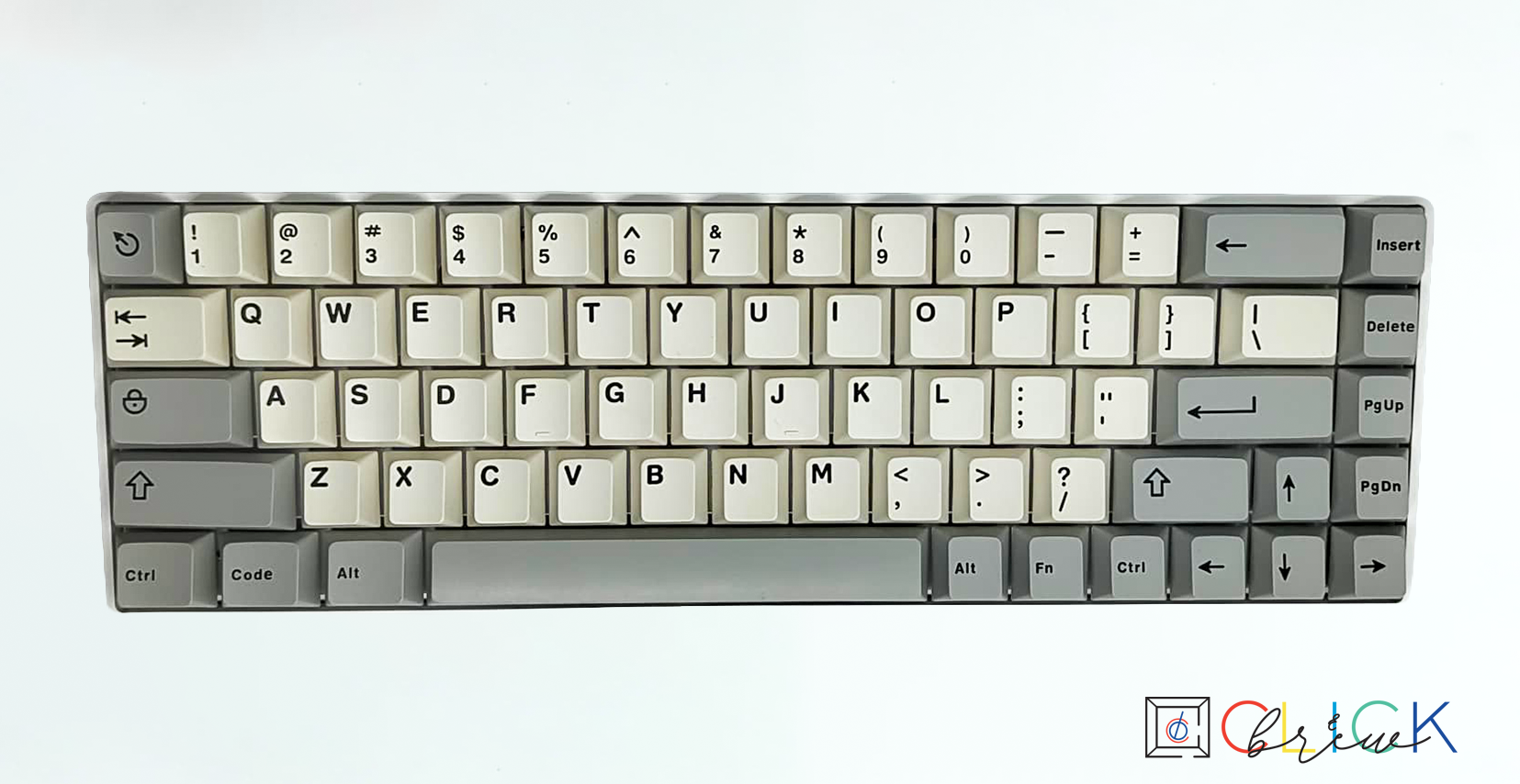
65% Layout
Removes function row but keeps arrows. Clean and minimal without losing navigation keys.
View 65% Builds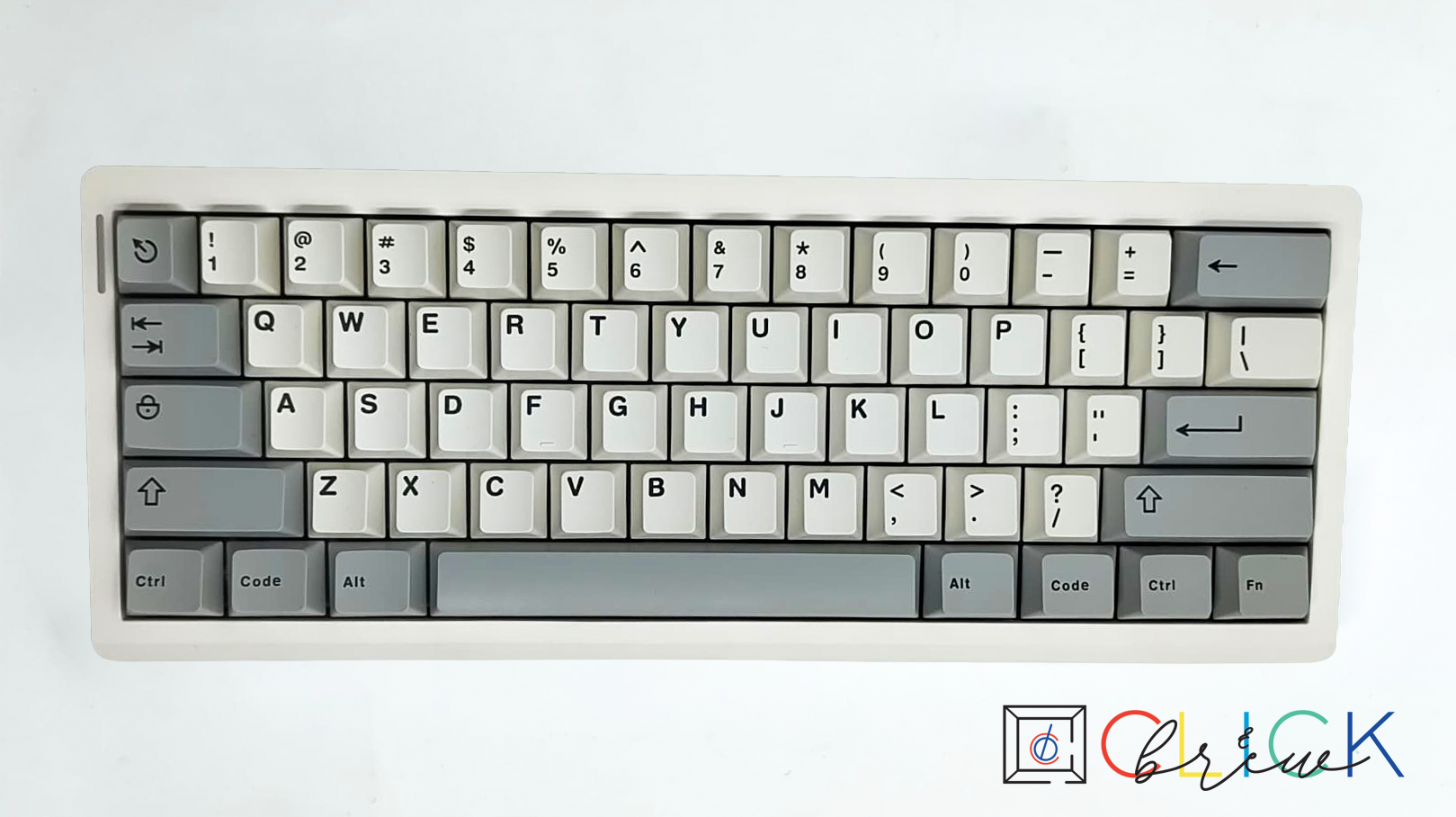
60% Layout
Ultra-compact and portable. Great for travel, small desks, and minimalist setups.
View 60% BuildsStep 2: Switch Types Explained
Switches define how your keyboard feels and sounds when typing or gaming.
Linear
Smooth keypress from top to bottom. Preferred for gaming and fast, consistent typing.
Shop Linear SwitchesTactile
Noticeable bump when actuated. Great for typists who want feedback without loud noise.
Shop Tactile SwitchesClicky
Loud click with tactile feedback. Fun and satisfying, but not office-friendly.
Shop Clicky SwitchesSilent
Dampened sound with smooth travel. Ideal for shared spaces and late-night typing.
Shop Silent SwitchesStep 3: Keycap Themes
Keycaps define the look and feel of your keyboard — from playful to professional.
Anime
Bold colors and character-inspired designs. Perfect for expressive and themed builds.
Browse Anime KeycapsClassic
Timeless colorways like beige, black, and white. Clean and professional aesthetics.
Browse Classic KeycapsGaming
High-contrast legends and RGB-friendly designs. Built for visibility and flair.
Browse Gaming Keycaps